
TATTOO TRY-ON
AI tattoo try on
Upload a body photo and tattoo design. Adjust a free virtual tattoo try-on preview, then use 1 credit to blend the ink into your skin with AI.
Loading the body photo…
AI-generated adult model photos. Choose your own photo to compare your proportions.
OPTIONAL AI RENDER
Blend your tattoo into skin
AI rendering is not available right now. You can still adjust and download the free placement preview.
Free previews stay on this device. Only Render sends your photo, artwork and placement guide to Kie.ai. Your images are private in TatMint and never added to our public gallery. Kie processes the images under its own retention policy.
Sign in to renderChoose a tattoo
29Realistic tattoo AI: before and after
Actual AI renders from our tests using AI-generated adult body photos and project-owned artwork. These are demonstration images, not customer photos. Results vary; check lettering and placement.
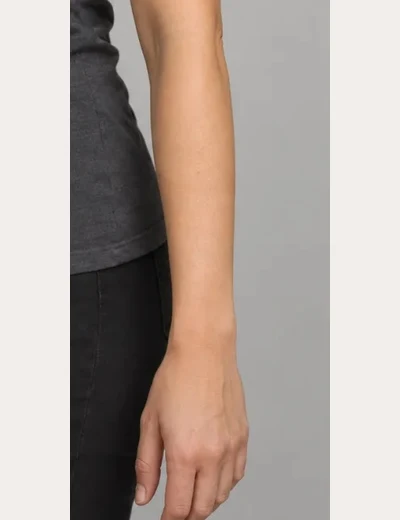 Before
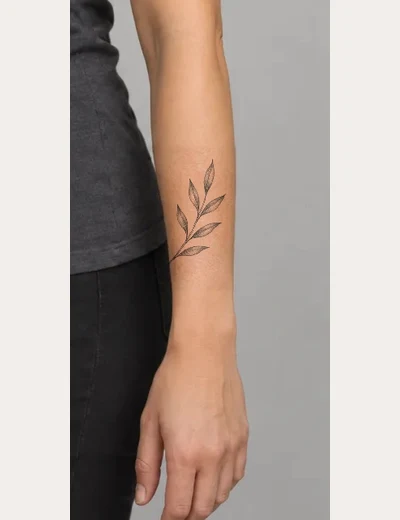 After
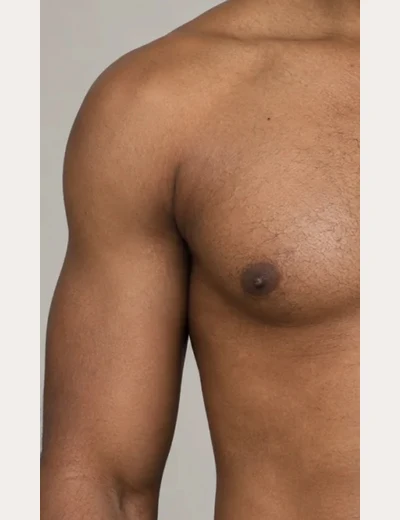 Before
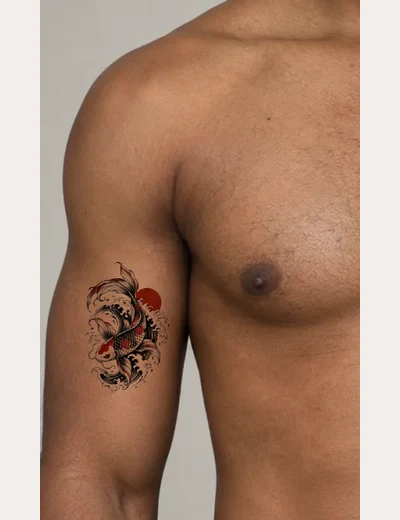 After
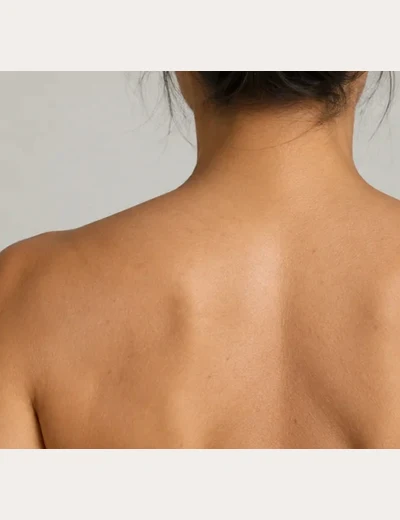 Before
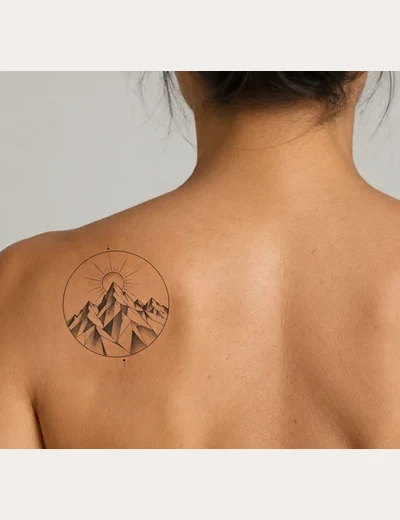 After
How to try a tattoo on your photo
- Add a clear body photo. Use an adult photo you have permission to edit, with the skin area visible.
- Upload a tattoo or choose your design. Drag, resize and rotate it. The placement preview and its download are free.
- Sign in, review the privacy notice and use 1 TatMint credit to render your current placement. AI rendering is optional.
- Compare before and after. Inspect the design and skin closely, then download a result you like or delete it.
Photo tips: JPG, PNG, WebP or AVIF, up to 20 MB and 40 megapixels. Use even light and sharp focus; avoid clothing over the intended area. AI inputs are resized to at most 1024 pixels per side. HEIC must be converted first.
Virtual tattoo try-on FAQs
Is the preview free?
Yes. Uploading locally, positioning and downloading the flat preview are free. An AI render uses 1 TatMint credit only when you request it.
Will realistic tattoo AI keep my exact design?
AI can change fine lines, lettering and shading. The original photo is preserved outside the selected editing area, but you must check the tattoo and skin inside it. Use the result as a visual reference for your artist.
Are my body photos public?
No. Free previews stay in your browser. AI processing sends your images to Kie.ai; TatMint stores them privately and never lists them in public galleries. You can delete completed results, and they expire after 30 days.
What happens if rendering fails or times out?
A confirmed failure returns the reserved credit once. Connection problems check the same task instead of generating again. If no result can be delivered within 15 minutes, the task is closed and refunded.